
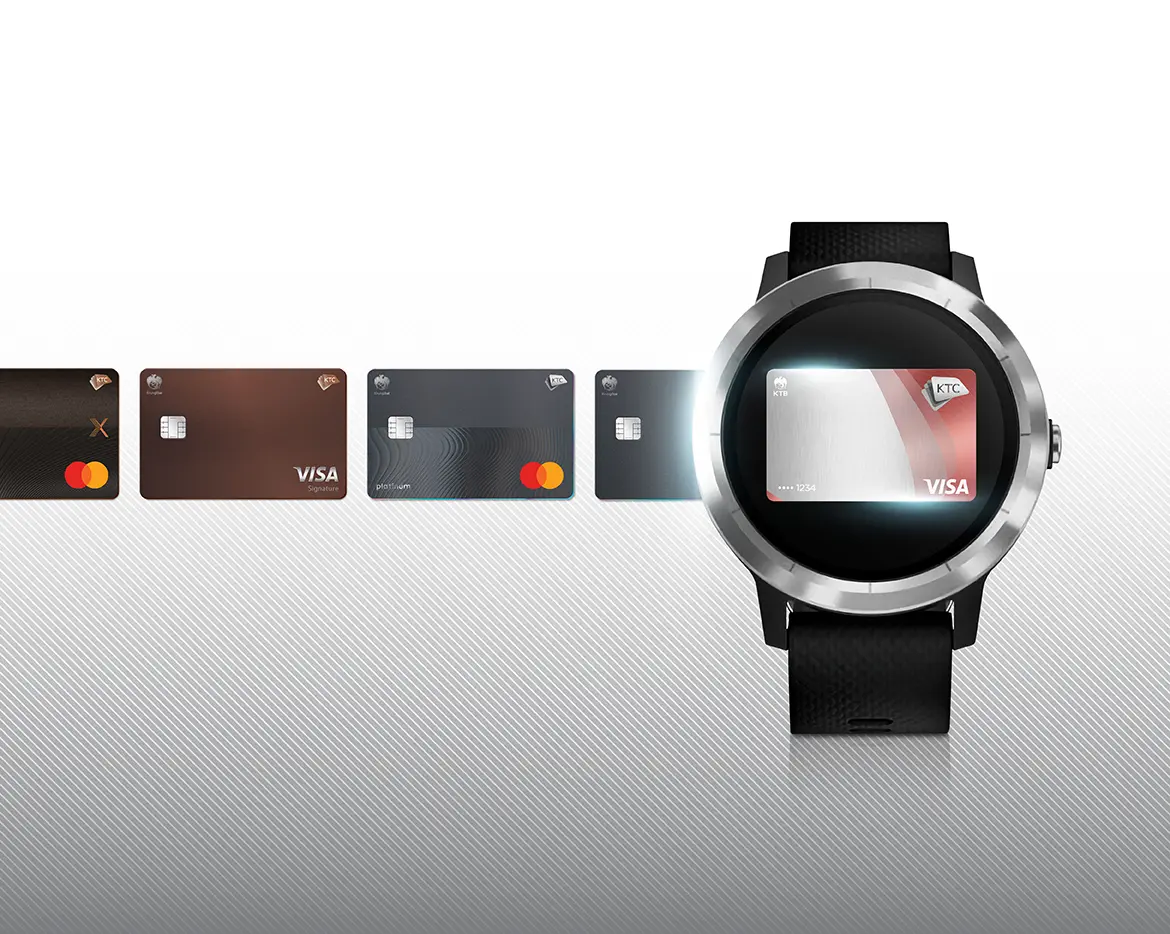

Tap to pay make life easier
with KTC CREDIT CARDS
Allowing you to make payments quickly and conveniently,
just by having Garmin Pay
You don’t need your mobile phone or wallet anymore


Use Garmin Pay anywhere you see this symbol


More convenient than ever
With contactless payments
- Will work with KTC VISA credit card and KTC MASTERCARD
- Just add a credit card to the watch's digital wallet and easily spend immediately.
Use Garmin Pay anywhere you see this symbol


Safe, confident
All your pay
- Protect you by using random codes every time you shop.
- Your card number will not be stored on the device, on the server. Or forward to the store when you pay So you can spend with confidence
Easily download application Garmin Connect
via App Store and Play Store
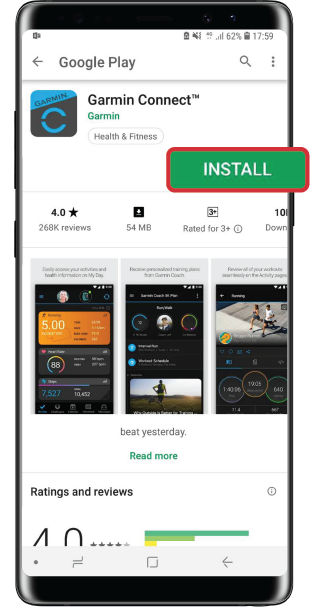
Step 1
Download Fitbit App from either App Store or Play Store


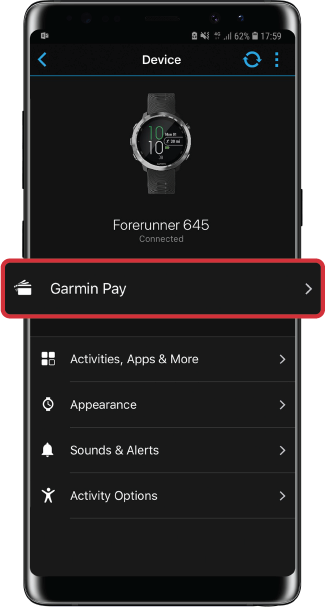
Step 2
Open App
› go to GarminPay
› fill in your KTC CREDIT CARDS information
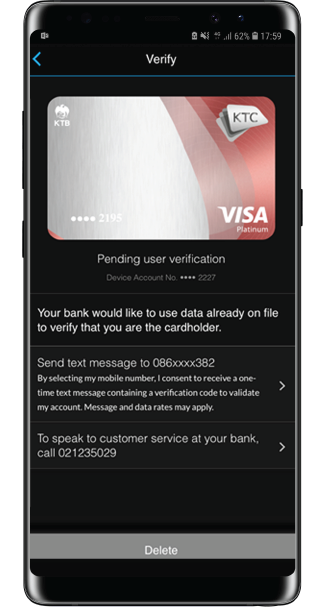
Step 3
Identify yourself via OTP
or contact KTC Contact Center
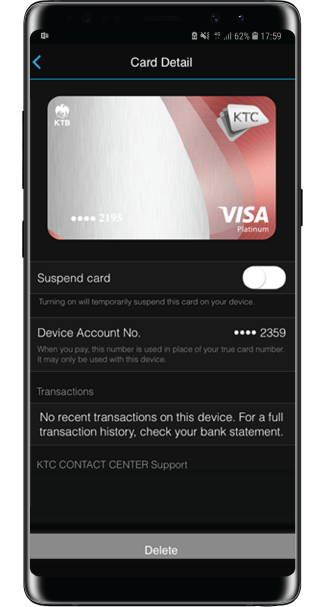
Step 4
Connection completed
Step 1.
Download Fitbit App from either App Store or Play Store
Step 2.
Open App
› go to GarminPay
› fill in your KTC CREDIT CARDS information
Step 3.
Identify yourself via OTP
or contact KTC Contact Center
Step 4.
Connection completed
4 easy steps to pay
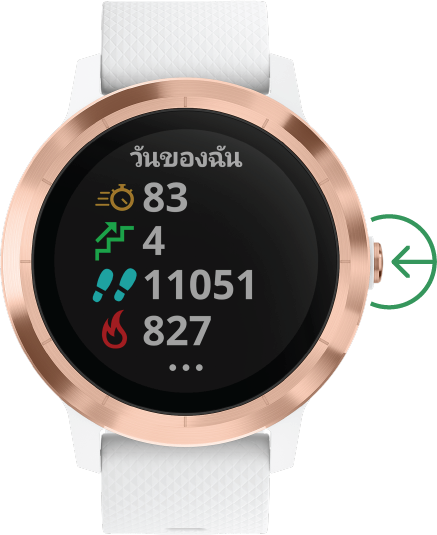
Step 1.
When ready to pay, press the button on the left of your watch firmly for 2 seconds
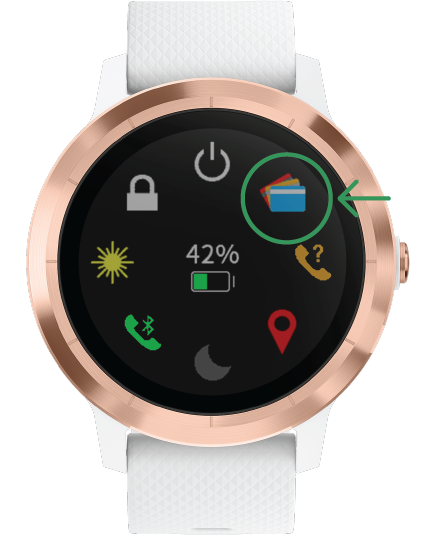
Step 2.
Go to wallet icon
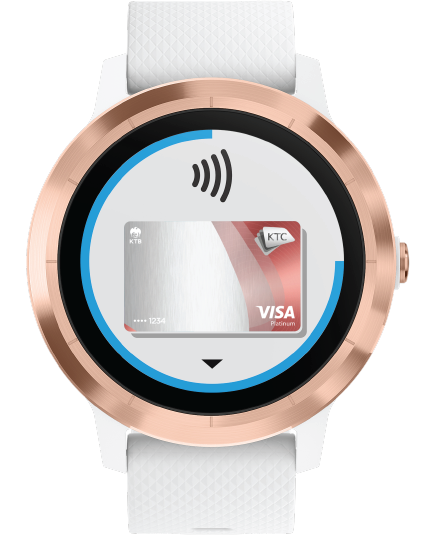
Step 3.
Choose the credit card to pay

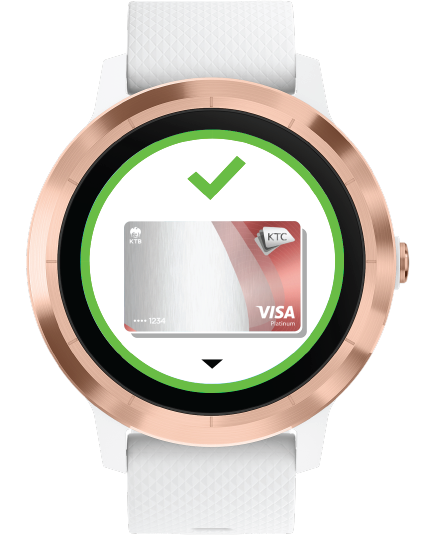
Step 4.
Put your hand close to the payment receiver/Electronic Data Capture When the payment is done, your watch will shake and you will see the confirmation on its screen.
Step 1.
When ready to pay, press the button on the left of your watch firmly for 2 seconds
Step 2.
Go to wallet icon
Step 3.
Choose the credit card to pay

Step 4.
Put your hand close to the payment receiver/Electronic Data Capture When the payment is done, your watch will shake and you will see the confirmation on its screen.
How to pay with
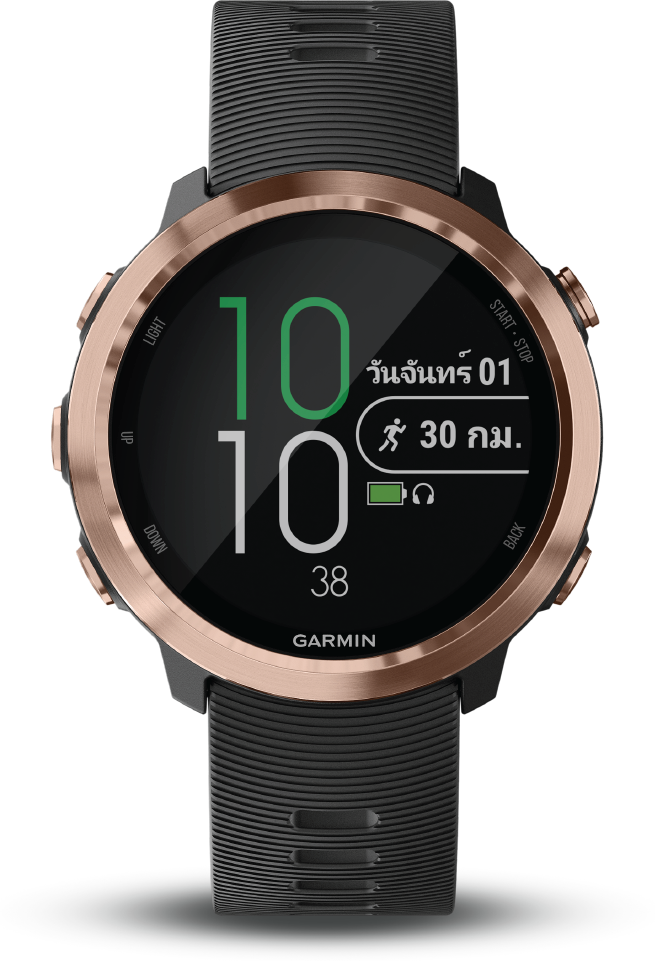
Supported devices
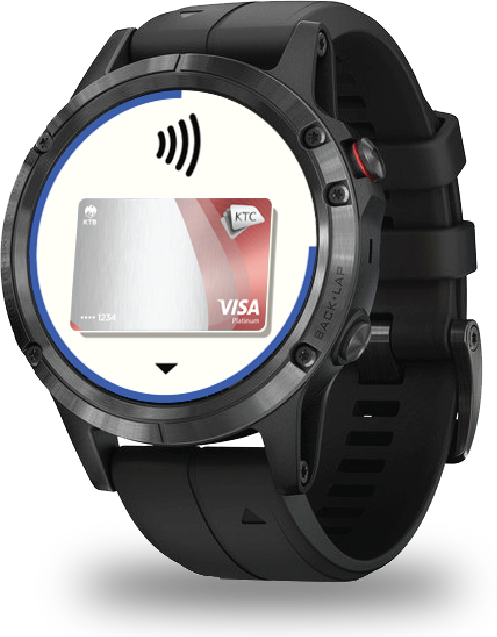
fēnix® 5X Plus Series
• fēnix® 5S Plus
• fēnix® 5 Plus
• fēnix® 5X Plus
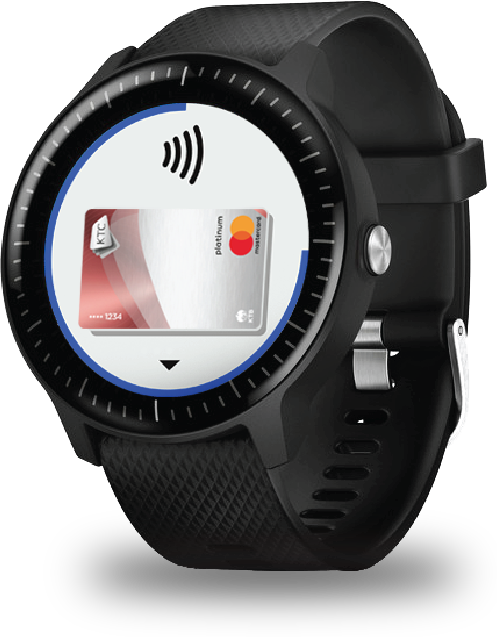
Vivoactive 3/3 Music
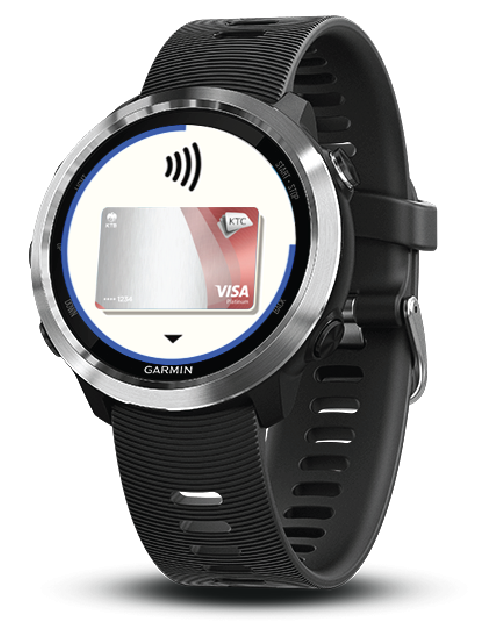
Forerunner
645/645 Music
fēnix® 5X Plus Series
• fēnix® 5S Plus
• fēnix® 5 Plus
• fēnix® 5X Plus
Vivoactive 3/3 Music
Forerunner
645/645 Music
Most asked questions
* If you choose to suspend your wallet, you will not be able to use your device to pay. Until you cancel the Wallet suspension through the app
** If choosing to delete the card The card will be removed from your wallet. If you want to add this card to the wallet again, you must fill out the card again.
However, the suspension of use or deletion of credit cards in the Garmin Connect Mobile app will not affect the use of your actual credit card. If you want to suspend the actual credit card, please contact KTC PHONE 02 123 5000
Garmin Pay uses Tokenization financial security innovation, which maintains data on the security chip on the device. And must be allowed to access information This method can secure the important data from stealing information or viruses.
In addition, if you want to use Wallet, users will have to enter the password every 24 hours and every time the device is removed from the wrist and into the Wallet page, users will have to enter the password again. And if entering the password on the device up to 3 times, the user must set a new password on the Garmin Connect Mobile app on the mobile phone
During resetting the password The user must enter the original password to verify the identity and if entering the wrong password up to 3 times, the wallet will be deleted. The user will have to create a new wallet and add the card again. To be able to use Garmin Pay
If your Garmin Pay device is lost or has been repaired Or want to give to others Please go to the Garmin Connect Mobile app to delete the wallet and disable it. If suspected of being stolen
- Call 02 266 9944 (Mon - Fri 9.00 - 18.00 hrs.)
- Email: customerservice-gps@cdg.co.th
- Facebook: Garmin Thailand
Please ask for more detail about Garmin Pay at KTC PHONE 02 123 5000
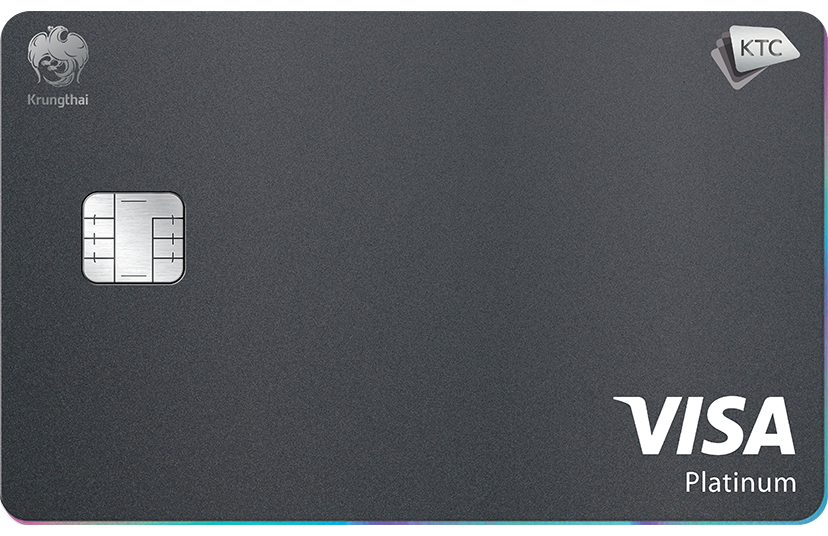
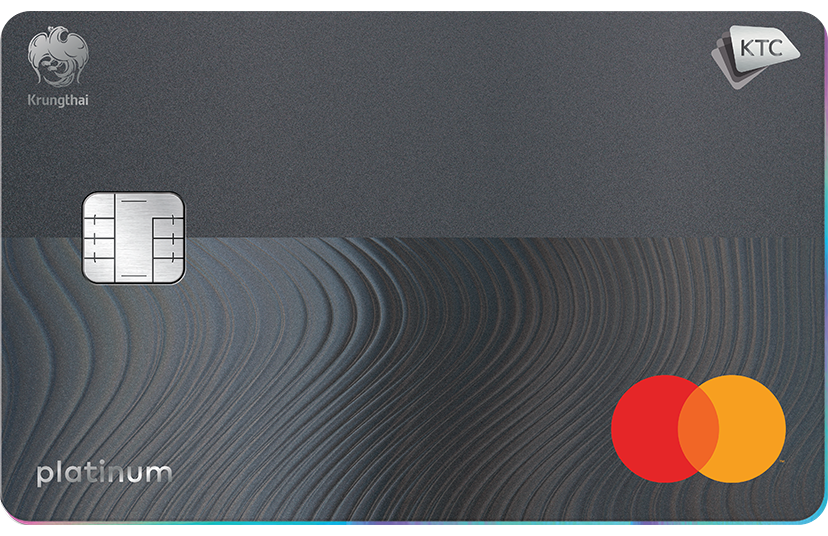
Apply KTC Credit Card to receive advantages today.

Filter

ลงทะเบียน


Choose Product


Apply Online Service
KTC Credit cards and KTC PROUD

to apply online service
which may cause some items to be displayed incompletely.
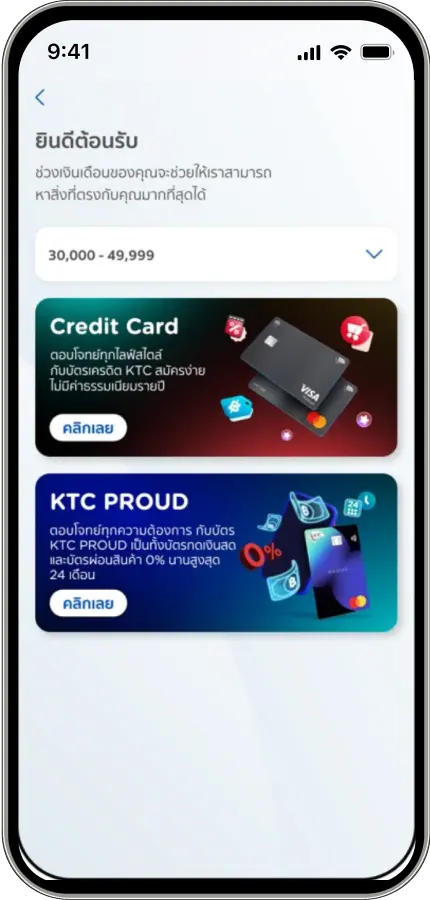
Apply Online Service
KTC Credit cards
and KTC PROUD
Add your contact details
for call back service.
Get advice and help with applying KTC products.



- Select all
- Clear all
- Select all
- Clear all
Choose Product
ตัวกรอง
Login


This site is protected by reCAPTCHA and the Google Privacy Policy and Terms of Service apply.
Create an account? Register